
Why buyers end up comparing CNC vs laser cutting acrylic
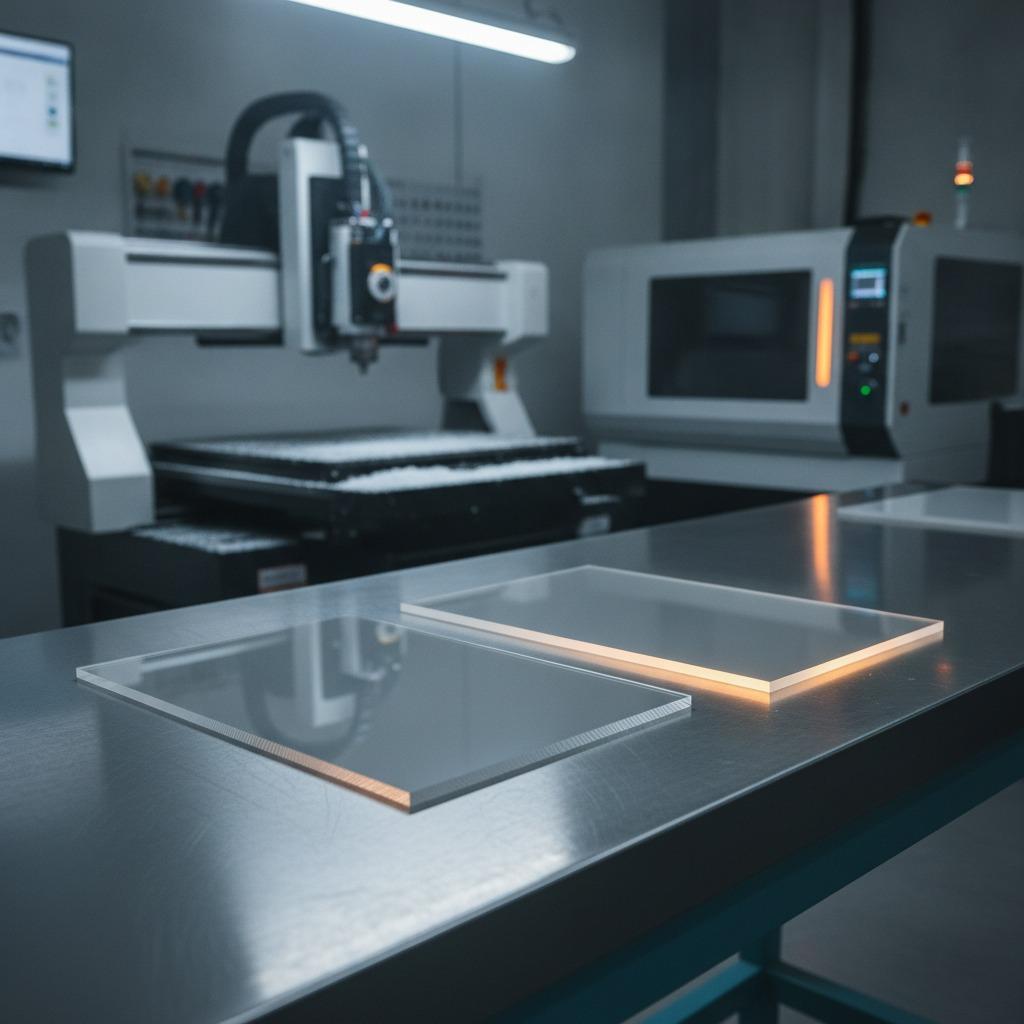
When a parts team is deciding between CNC vs laser cutting acrylic, the real question is usually not which machine is “better.” It is which process gives the right edge quality, shape freedom, and cost profile for the part they actually need. That matters whether you are quoting a display panel, a control-window insert, a retail graphic, or a decorative piece with irregular acrylic cutting requirements.
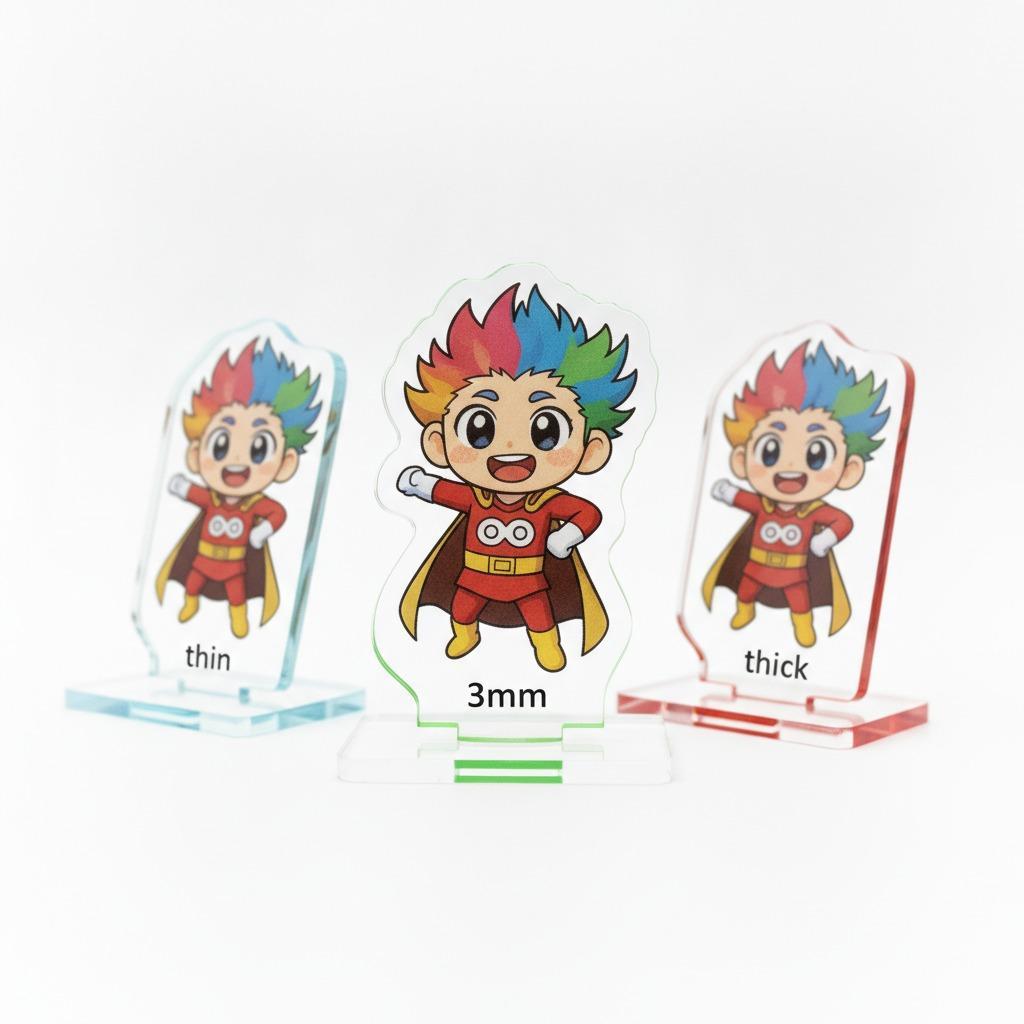
Acrylic looks simple from the outside, but the details get expensive quickly. A clean straight edge, a polished edge, a tight inside corner, or a highly irregular outline can push the job toward one process or the other. And if the part is meant to support printed graphics, as with a contour-cut decorative piece such as a panda-shaped decal or sign plate, the cut method can affect both appearance and yield.
Quick comparison: where each process tends to fit
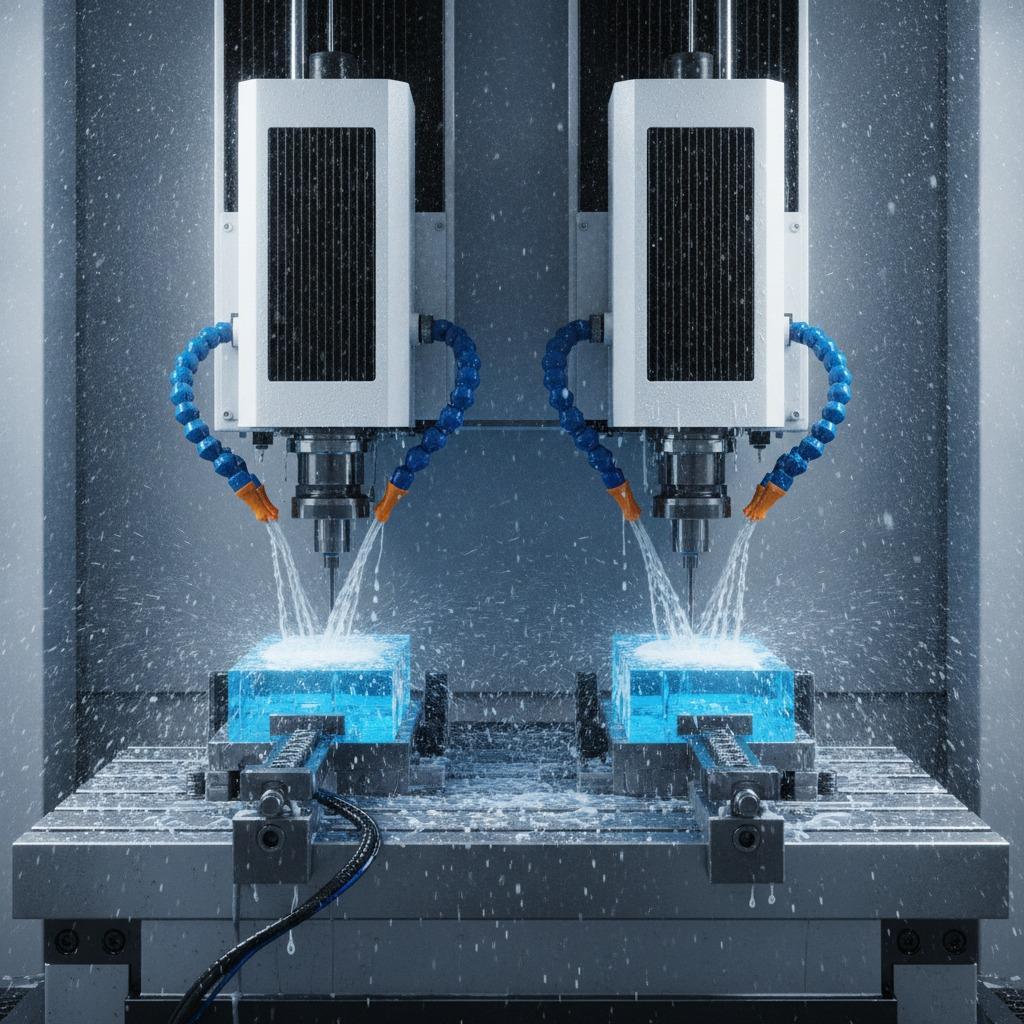
CNC cutting uses a rotating tool to mechanically remove material. Laser cutting uses a focused beam to melt or vaporize the cut line. In practical terms, CNC is often favored when the job needs thicker stock, non-heat-sensitive finishing, or some depth control beyond a simple 2D profile. Laser is often preferred when the part is thin, the outline is intricate, and the priority is speed and very fine detail.
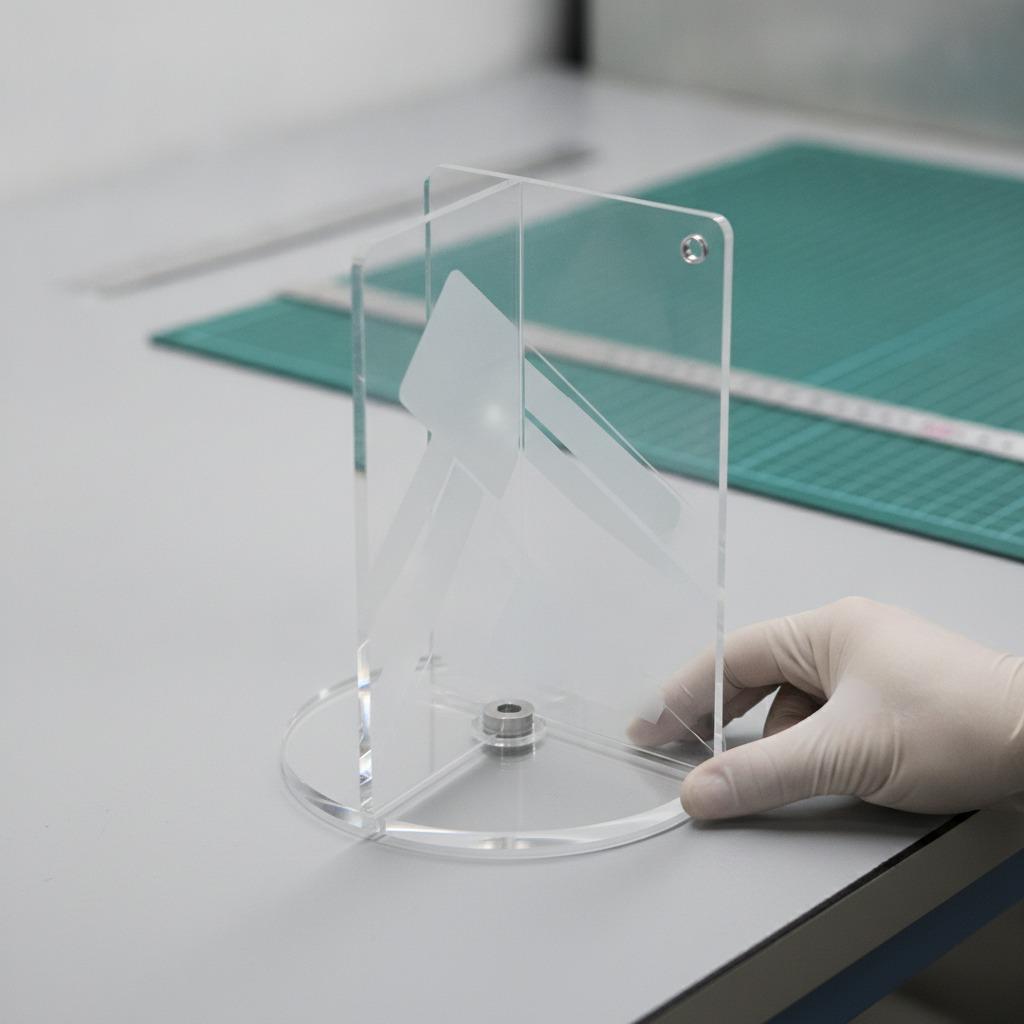
For many buyers, the decision starts with edge quality. Laser-cut acrylic often delivers a glossy or flame-polished-looking edge on suitable cast acrylic, which can be attractive on display parts. CNC edge quality is different: it is usually more matte or tool-marked unless a secondary finishing step is added. That is not a defect by itself. It is just a different finish, and the “better” one depends on whether the part is functional, decorative, or both.
Cut shape matters more than people expect
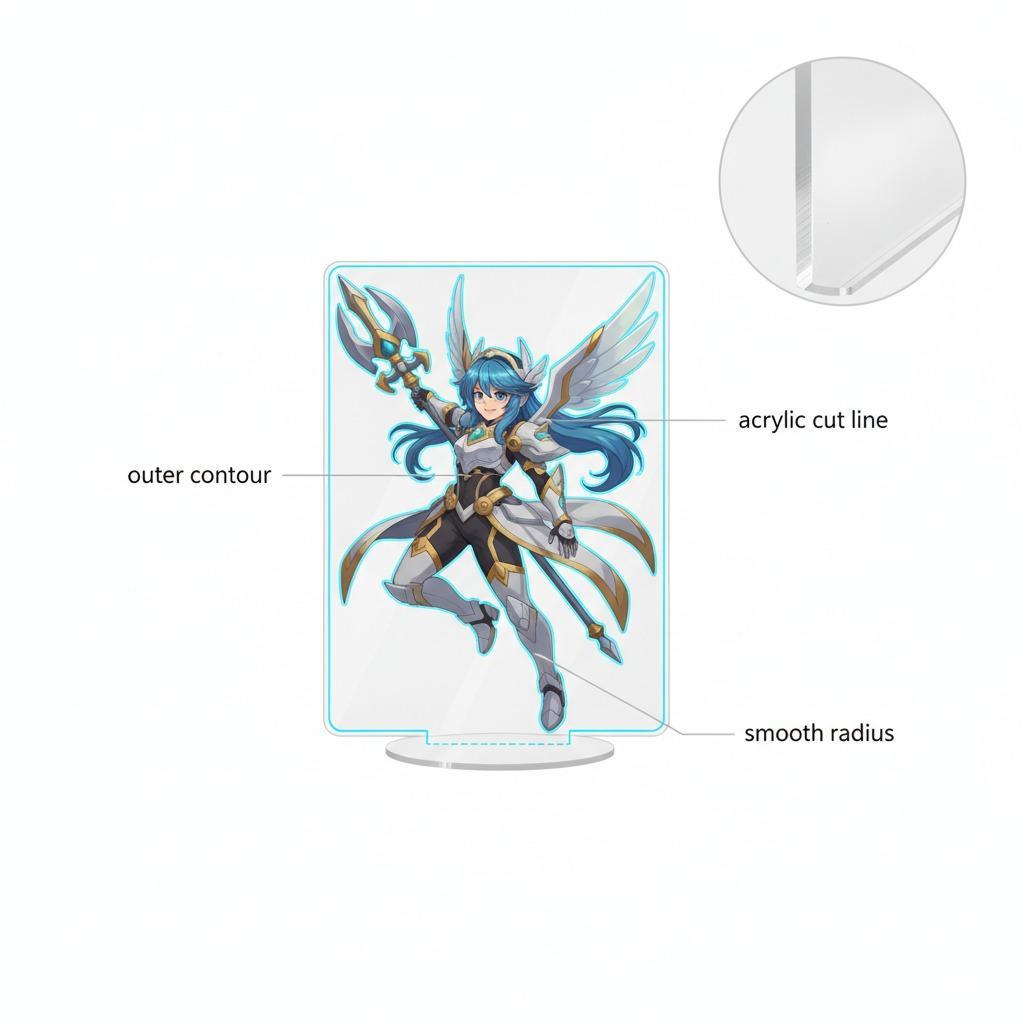
One of the most useful ways to think about CNC vs laser cutting acrylic is by geometry. Simple rectangles, slots, and circles are easy for both processes. The tension begins with irregular acrylic cutting, tight internal radii, and shapes that combine artwork and functional fit.
Laser excels at very fine contour detail and narrow features, though the heat-affected zone can become a concern if the part is thick, the design is dense, or the material is not the right type. CNC contour cutting can handle more mechanical variety and is often the safer route when the design has deeper pockets, edge cleanup requirements, or a need to avoid heat distortion. A buyer should not assume that the sharpest-looking process is always the most suitable one.
Practical example: printed decorative shapes
A panda-shaped printed graphic with a white border, rounded silhouette, and multiple small illustrated details is a good example of a contour-driven part. For that kind of work, the process may be selected not just for the acrylic itself, but for how well it follows the print contour without damaging the artwork. If the substrate is actually laminated plastic, PVC, or another printed sheet rather than acrylic, the same buying logic still applies: the cut path must respect the artwork, and the edge needs to look intentional.
Where CNC tends to have the advantage
CNC usually earns its place when the part is thicker, when edge finish can be improved through polishing or post-processing, or when the design includes features that a laser would struggle with because of heat or material response. It can also be the more forgiving option for certain custom jobs where the cutter needs to be adapted to a changed drawing, a new pocket depth, or a less predictable profile.
There is a caution here: CNC is not automatically the “safer” choice for every acrylic part. Poor tool selection, feed rates, or chip evacuation can leave rough edges or even crack-sensitive stress around cut paths. Acrylic is more tolerant than many plastics in some operations, but it still rewards disciplined setup.
Where laser cutting often wins
Laser-cut acrylic is attractive when speed, repeatability, and fine contours are the main priorities. Thin sheets, signage components, labels, templates, and display accents often fit this route well. The process can reduce secondary finishing when the design and material are matched properly.
That said, laser cutting has its limits. Heat can discolor edges, create micro-brittleness in some cases, and make stacked or highly detailed parts more sensitive to process variation. Buyers sometimes overlook this when they focus only on the clean look of the sample part. If the application involves handling, assembly, or long-term durability, the edge finish should be evaluated in the context of use, not in isolation.
How to choose between the two
The best decision usually comes down to four questions.
First, what thickness is the acrylic or acrylic-like material? Second, is the part mainly decorative or does it need structural stability? Third, how visible is the edge in the final product? Fourth, does the geometry include irregular acrylic cutting or small interior details that would be hard to finish cleanly by hand?
If the answer points to thin, visually prominent, highly detailed parts, laser may be the cleaner route. If the answer points to thicker material, edge refinement, or more demanding contour control, CNC may be the stronger option. Buyers sourcing printed decorative shapes should also confirm whether the substrate is actually acrylic, vinyl, PVC, or laminated paper. The wrong assumption there leads to the wrong cutting spec, which is a common and avoidable mistake.
Buyer mistakes that cause trouble later
A frequent mistake is asking for the “prettiest edge” without stating the application. Another is specifying a shape from artwork alone and forgetting that narrow bridges, internal corners, and backing materials affect manufacturability. A third is treating all plastics as interchangeable. They are not.
It also helps to ask for a sample or first article when the design carries print alignment, contour accuracy, or visible edge quality requirements. That is especially true for decorative pieces where the cut line frames the graphic. A small shift can make a character look awkward even if the dimensions are technically close.
What to send your supplier
If you are comparing CNC vs laser cutting acrylic for a new project, send the final vector file, material callout, thickness if known, edge-quality expectation, and whether the piece is for display, handling, or assembly. If the part is a printed contour shape, note where the print must remain intact and where the border is allowed to vary slightly. That one instruction can save a round of revisions.
FAQ: short answers buyers usually need
Is laser always cleaner than CNC?
Not always. Laser can produce a very clean-looking edge, but the result depends on material type, thickness, and heat behavior.
Is CNC better for irregular acrylic cutting?
Often yes, especially when the outline is complex and the part needs more control over shape or post-processing.
Which process is better for decorative graphics?
It depends on the substrate and finish requirement. For printed contour pieces, the priority is matching the artwork, material, and edge appearance as one package.
What to do next
Before you quote the job, decide what matters most: edge appearance, thickness, contour detail, or durability. Then map the part to the process instead of picking the process first. That simple shift usually leads to better pricing, fewer surprises, and a finished acrylic part that actually fits the way it will be used.